토익 RC Part 7: '제품 사용 설명서' 독해, 핵심 기능 및 문제 해결 절차 빠르게 파악하기
토익 RC Part 7, 제품 사용 설명서 독해, 왜 중요할까요?
토익 RC Part 7은 긴 지문을 읽고 내용을 정확히 이해하는 능력을 평가합니다. 특히 실제 비즈니스 환경에서 자주 접하게 되는 문서 유형을 다루기 때문에 실용적인 점수가 중요한데요. 그중에서도 '제품 사용 설명서'는 새로운 제품을 접하거나 문제를 해결해야 할 때 필수적으로 참고하게 되는 문서입니다. 토익 시험에서는 이러한 설명서의 구조를 파악하고, 필요한 정보를 빠르게 찾아내는 능력을 평가하는 문제가 출제됩니다. 단순히 영어 실력뿐만 아니라, 정보 탐색 능력과 논리적 사고력을 종합적으로 요구하는 것이죠. 복잡하고 전문적인 용어가 등장하더라도 당황하지 않고 핵심 내용을 추출해내는 연습이 필요합니다.
제품 사용 설명서, 어떤 정보에 주목해야 할까?
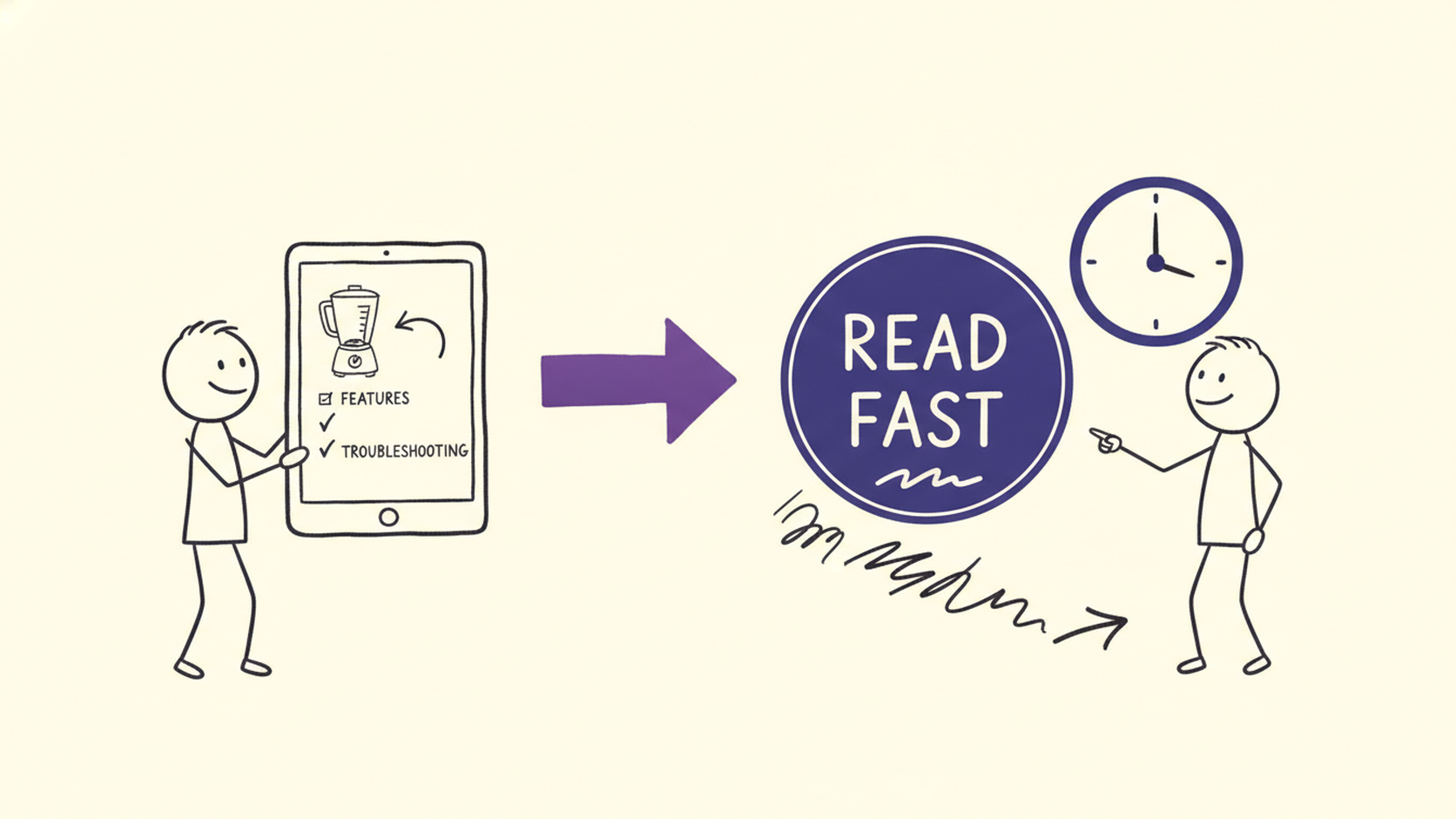
제품 사용 설명서는 크게 제품의 기능 소개, 사용 방법, 문제 해결(Troubleshooting), 유지보수 및 보증 등의 섹션으로 구성됩니다. 토익 RC Part 7에서 사용 설명서 관련 문제가 나왔을 때, 가장 먼저 파악해야 할 것은 질문의 의도입니다. 질문이 특정 기능에 대한 것인지, 사용 절차에 대한 것인지, 아니면 발생 가능한 문제에 대한 해결책을 묻는 것인지 명확히 이해해야 합니다.
- 핵심 기능: 제품이 제공하는 주요 기능들이 무엇인지, 각 기능이 어떤 용도로 사용되는지를 파악하는 것이 중요합니다. 보통 설명서 앞부분이나 'Features'와 같은 섹션에 요약되어 있습니다. 예를 들어, 'This device offers advanced noise-cancellation technology for immersive audio experiences.' 와 같은 문장을 통해 핵심 기능을 파악할 수 있습니다.
- 사용 방법: 특정 기능을 활성화하거나 제품을 작동시키는 구체적인 단계별 절차를 주의 깊게 봐야 합니다. 'To activate the feature, press and hold the power button for 3 seconds.' 와 같이 명확한 지시사항 형태로 제시됩니다.
- 문제 해결 절차: 제품 사용 중 발생할 수 있는 일반적인 문제와 그 해결 방법을 다루는 섹션입니다. 'Troubleshooting', 'FAQ', 'Common Issues' 등의 제목으로 나타나며, 'If the device does not power on, ensure it is fully charged.' 와 같은 해결책을 제시합니다. 문제 상황과 그에 따른 해결책을 연결하는 연습이 필요합니다.
'빠르게 파악하기' 위한 핵심 독해 전략
제품 사용 설명서처럼 정보량이 많고 구조화된 문서를 효율적으로 읽기 위해서는 몇 가지 전략이 필요합니다.
- 훑어보기(Skimming)와 질문 미리 보기: 지문을 처음부터 끝까지 다 읽기보다는, 먼저 제목, 소제목, 첫 문단, 마지막 문단 등을 빠르게 훑어보며 전체적인 내용을 파악합니다. 특히, 문제에서 묻는 내용을 먼저 확인하고 지문을 읽으면 필요한 정보를 찾는 데 훨씬 수월합니다. 예를 들어, 'What is the recommended procedure for cleaning the filter?' 라는 문제가 있다면, 지문에서 'cleaning', 'filter', 'procedure', 'recommend' 등의 키워드를 중심으로 찾아 읽으면 됩니다.
- 키워드 중심 탐색: 질문에 포함된 핵심 단어(명사, 동사, 형용사 등)를 파악하고, 지문에서 해당 키워드나 동의어, 관련 표현을 중심으로 빠르게 찾아 읽는 '스캐닝(Scanning)' 기법을 활용합니다. 예를 들어, 'malfunction'이라는 단어가 문제에 있다면, 지문에서 'problem', 'issue', 'error', 'not working' 등과 같은 표현을 찾아 해당 부분을 집중적으로 읽는 식입니다.
- 구조적 이해: 사용 설명서는 보통 일정한 구조를 따릅니다. 'Introduction', 'Specifications', 'Operating Instructions', 'Maintenance', 'Troubleshooting' 등의 명확한 섹션 구분을 활용하세요. 소제목이나 번호 매겨진 단계를 통해 정보의 흐름을 파악하면, 원하는 정보를 더 쉽게 찾을 수 있습니다. 예를 들어, 'Step 1: Connect the power adapter...' 와 같은 부분은 사용 절차를 설명하는 명확한 단서입니다.
- 동사구 및 명령형 문장 활용: 사용 설명서에는 'Connect', 'Insert', 'Press', 'Ensure' 등과 같은 동사구나 명령형 문장이 많이 사용됩니다. 이러한 표현들은 행동 지침을 나타내므로, 문제에서 특정 절차나 방법을 물을 때 중요한 단서가 됩니다. 'Do not immerse the device in water.' 와 같은 부정 명령문도 주의 깊게 봐야 합니다.
실전 적용: 예시 지문 분석
다음은 가상의 제품 사용 설명서 일부와 관련된 토익 Part 7 문제 예시입니다.
Passage:
AquaPure Water Filter System - User Manual
Section 3: Installation and Setup
3.1 Unpacking: Carefully remove all components from the box. Check the contents against the parts list in Section 1. Contact customer service immediately if any parts are missing or damaged.
3.2 Filter Replacement Indicator: The system is equipped with an indicator light that signals when the filter needs to be replaced. The light will turn red when the filter has reached its lifespan of approximately 6 months of typical use.
3.3 Initial Setup: Before first use, flush the system by running water through it for 5 minutes. This process removes any residual manufacturing materials. Connect the water supply line to the designated inlet port.
Question:
According to Section 3, what should a user do if a component is damaged upon receiving the product?
(A) Replace the filter immediately.
(B) Flush the system for 5 minutes.
(C) Contact customer service.
(D) Wait for the indicator light to turn red.
Analysis:
질문은 "부품이 손상된 상태로 제품을 받았을 때 무엇을 해야 하는가?"를 묻고 있습니다. Section 3.1 'Unpacking' 부분에서 "Contact customer service immediately if any parts are missing or damaged." 라는 명확한 지침을 찾을 수 있습니다. 따라서 정답은 (C)입니다. 다른 선택지들은 각각 필터 교체 시기(3.2), 초기 설정 방법(3.3), 그리고 초기 설정 절차(3.3)와 관련된 내용으로, 질문의 의도와는 직접적인 관련이 없습니다.
이처럼 질문의 핵심을 파악하고, 설명서 내의 관련 섹션과 키워드를 연결하는 연습을 꾸준히 한다면 제품 사용 설명서 관련 문제를 빠르고 정확하게 해결할 수 있습니다. 복잡한 기술 문서도 두려워하지 말고, 체계적인 전략으로 접근해 보세요.
실전 연습문제
AquaPure Water Filter System - User Manual
Section 3: Installation and Setup
3.1 Unpacking: Carefully remove all components from the box. Check the contents against the parts list in Section 1. Contact customer service immediately if any parts are missing or damaged.
3.2 Filter Replacement Indicator: The system is equipped with an indicator light that signals when the filter needs to be replaced. The light will turn red when the filter has reached its lifespan of approximately 6 months of typical use.
3.3 Initial Setup: Before first use, flush the system by running water through it for 5 minutes. This process removes any residual manufacturing materials. Connect the water supply line to the designated inlet port.
1. (Part 7) According to Section 3, what should a user do if a component is damaged upon receiving the product?
- (A) Replace the filter immediately.
- (B) Flush the system for 5 minutes.
- (C) Contact customer service.
- (D) Wait for the indicator light to turn red.
정답 및 해설
정답: (C)
Section 3.1에 명시된 대로, 제품 수령 시 부품이 누락되거나 손상된 경우 즉시 고객 서비스에 연락해야 합니다. 따라서 'Contact customer service'가 올바른 정답입니다. 다른 선택지들은 필터 교체나 초기 설정과 관련된 내용으로, 손상된 부품 처리와는 무관합니다.
AquaPure Water Filter System - User Manual
Section 3: Installation and Setup
3.1 Unpacking: Carefully remove all components from the box. Check the contents against the parts list in Section 1. Contact customer service immediately if any parts are missing or damaged.
3.2 Filter Replacement Indicator: The system is equipped with an indicator light that signals when the filter needs to be replaced. The light will turn red when the filter has reached its lifespan of approximately 6 months of typical use.
3.3 Initial Setup: Before first use, flush the system by running water through it for 5 minutes. This process removes any residual manufacturing materials. Connect the water supply line to the designated inlet port.
2. (Part 7) When does the filter need to be replaced, according to the manual?
- (A) After 5 minutes of flushing.
- (B) When the indicator light turns red.
- (C) Upon initial setup.
- (D) When the water supply line is connected.
정답 및 해설
정답: (B)
Section 3.2에 따르면, 필터 교체 표시등이 빨간색으로 바뀔 때 필터를 교체해야 합니다. 이는 필터가 약 6개월의 수명에 도달했음을 의미합니다. 다른 선택지들은 초기 설정이나 물 공급 라인 연결과 관련된 내용으로, 필터 교체 시기와는 관련이 없습니다.
AquaPure Water Filter System - User Manual
Section 3: Installation and Setup
3.1 Unpacking: Carefully remove all components from the box. Check the contents against the parts list in Section 1. Contact customer service immediately if any parts are missing or damaged.
3.2 Filter Replacement Indicator: The system is equipped with an indicator light that signals when the filter needs to be replaced. The light will turn red when the filter has reached its lifespan of approximately 6 months of typical use.
3.3 Initial Setup: Before first use, flush the system by running water through it for 5 minutes. This process removes any residual manufacturing materials. Connect the water supply line to the designated inlet port.
3. (Part 7) What is the purpose of flushing the system before first use?
- (A) To check for damaged components.
- (B) To activate the filter replacement indicator.
- (C) To remove residual manufacturing materials.
- (D) To ensure the water supply line is connected properly.
정답 및 해설
정답: (C)
Section 3.3에서 'Before first use, flush the system by running water through it for 5 minutes. This process removes any residual manufacturing materials.'라고 명시되어 있습니다. 따라서 시스템을 처음 사용하기 전에 물을 흘려보내는 목적은 잔여 제조 물질을 제거하기 위함입니다. 다른 선택지들은 손상된 부품 확인, 필터 교체 표시등 활성화, 또는 물 공급 라인 연결 확인과는 관련이 없습니다.
AquaPure Water Filter System - User Manual
Section 3: Installation and Setup
3.1 Unpacking: Carefully remove all components from the box. Check the contents against the parts list in Section 1. Contact customer service immediately if any parts are missing or damaged.
3.2 Filter Replacement Indicator: The system is equipped with an indicator light that signals when the filter needs to be replaced. The light will turn red when the filter has reached its lifespan of approximately 6 months of typical use.
3.3 Initial Setup: Before first use, flush the system by running water through it for 5 minutes. This process removes any residual manufacturing materials. Connect the water supply line to the designated inlet port.
4. (Part 7) The phrase "residual manufacturing materials" in Section 3.3 most likely refers to:
- (A) Foreign objects left from the production process.
- (B) Waste water from the initial flush.
- (C) Components needed for assembly.
- (D) Materials used for packaging.
정답 및 해설
정답: (A)
Section 3.3에서 'residual manufacturing materials'는 시스템을 처음 사용하기 전에 물을 흘려보내 제거해야 하는 물질로 언급됩니다. 'Residual'은 '남아있는, 잔류하는'을 의미하고, 'manufacturing materials'는 '제조 과정에서 사용되거나 생성된 물질'을 의미합니다. 따라서 이 문구는 생산 과정에서 제품 내부에 남아있을 수 있는 불필요하거나 유해할 수 있는 이물질을 가장 잘 나타냅니다. 'Foreign objects left from the production process'가 이 의미에 가장 부합합니다. 다른 선택지들은 초기 세척 후의 물, 조립에 필요한 부품, 또는 포장재를 의미하므로 문맥상 적절하지 않습니다.
Scan Voca로 단어 암기, 스마트하게 시작하세요!
제품 사용 설명서처럼 방대한 정보를 담고 있는 영어 지문을 효과적으로 해석하려면 결국 탄탄한 어휘력이 뒷받침되어야 합니다. 복잡한 기술 용어나 비즈니스 관련 표현들을 일일이 찾아가며 공부하는 것은 시간도 많이 걸리고 비효율적일 수 있습니다. Scan Voca는 이러한 고민을 해결해 줄 최고의 솔루션입니다. 책에 있는 단어든, 시험지 속 모르는 단어든, 사진 한 장만 찍으면 순식간에 나만의 단어장이 만들어지니까요. 언제 어디서든 스마트폰으로 간편하게 단어장을 꺼내 보며 학습할 수 있어, 자투리 시간까지 알차게 활용하여 영어 단어 암기 효율을 극대화할 수 있습니다. Scan Voca와 함께라면 영어 실력 향상이 더욱 즐거워질 것입니다.
Scan Voca 시작하기